Web application · 2026
Kids Check-in
A check-in system for a children's program: families register once, check their kids in at a kiosk or from their phone, and only approved adults can pick them up.
- Type
- Web application
- Status
- Client project
- Built with
- Next.js, TypeScript, Supabase, PostgreSQL, Tailwind CSS, Zod, Vercel
Overview
Kids Check-in is the registration and check-in system for a children's program. Parents register their family once, then check their children in at a welcome-desk kiosk or from their own phone. Volunteers see who is in the room along with any allergy or care alerts, and leaders get attendance, exports and an admin area.
Challenge
The app holds children's details, health information and who may collect each child, so safety had to be enforced by the system itself, not by good intentions. It also had to be quick for a parent juggling kids at the door and simple for volunteers who use it once a week.
Approach
Every rule lives in the database: row-level security on every table, home addresses, medical notes and emergency contacts kept in leader-only tables, and check-in and check-out handled by database functions that block duplicate check-ins and only release a child to a listed guardian or authorized pickup. Check-in windows are enforced on the server clock, a scheduled job checks out anyone left after pickup closes, and consents and attendance are kept as an unchanging history.
Solution
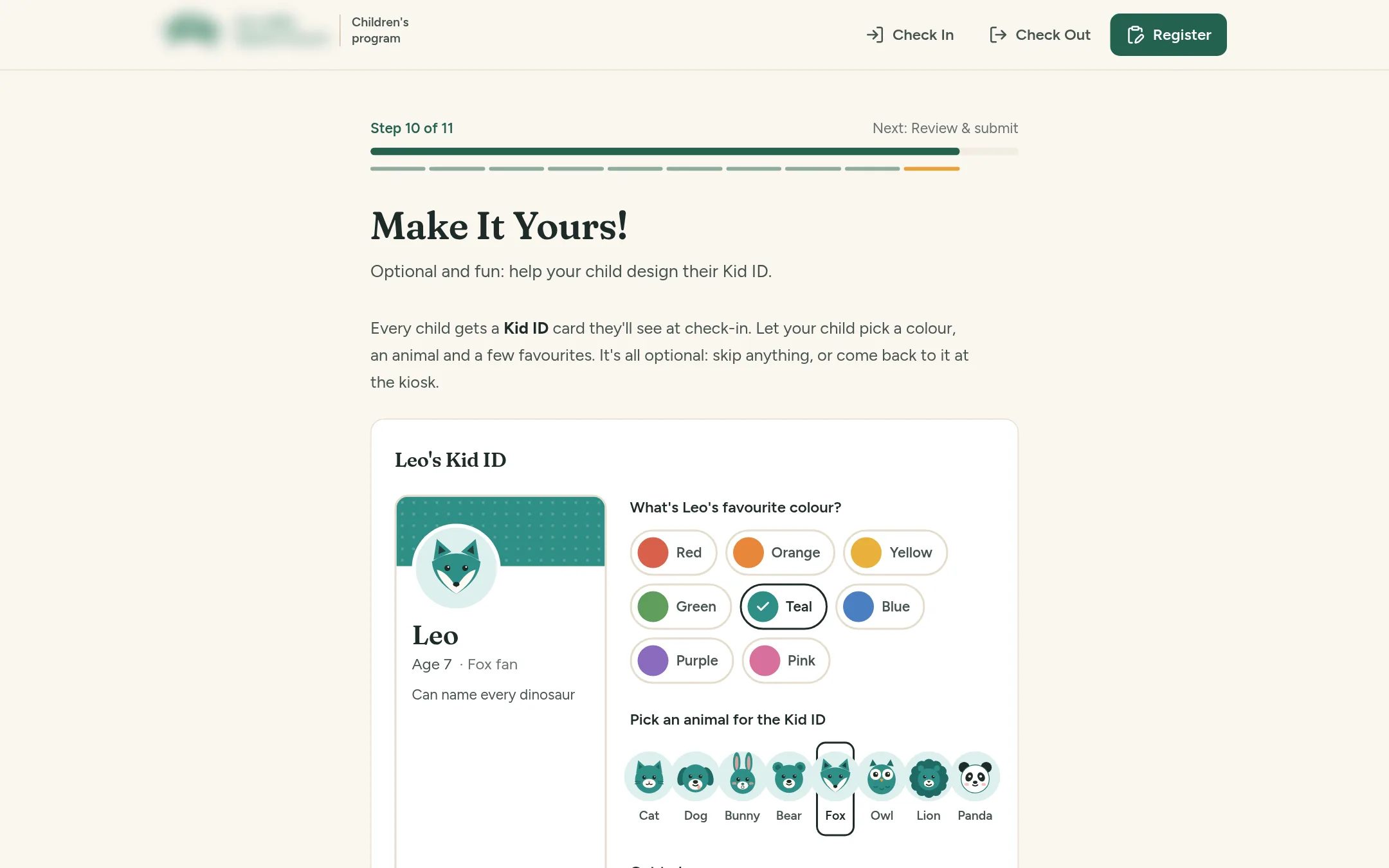
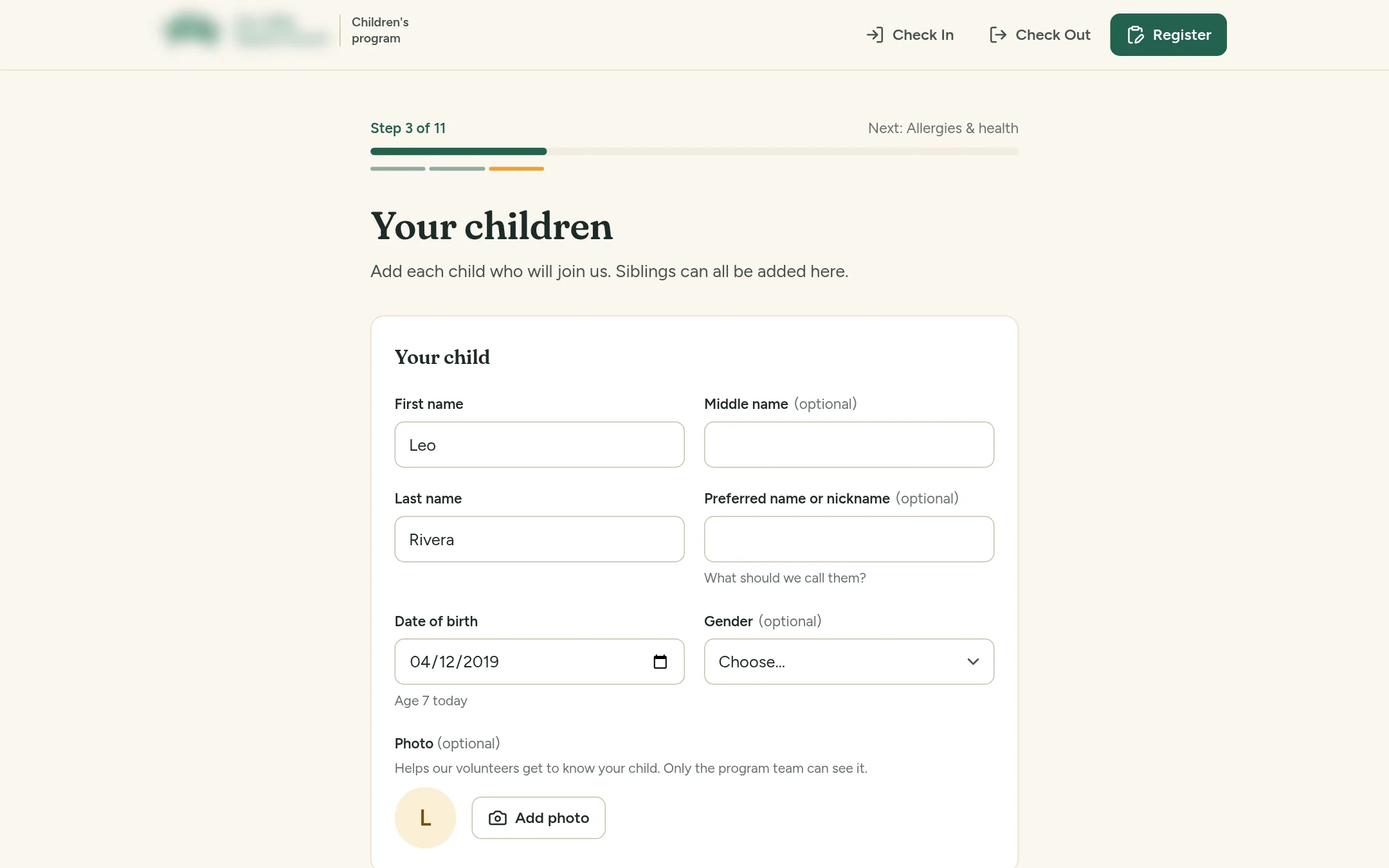
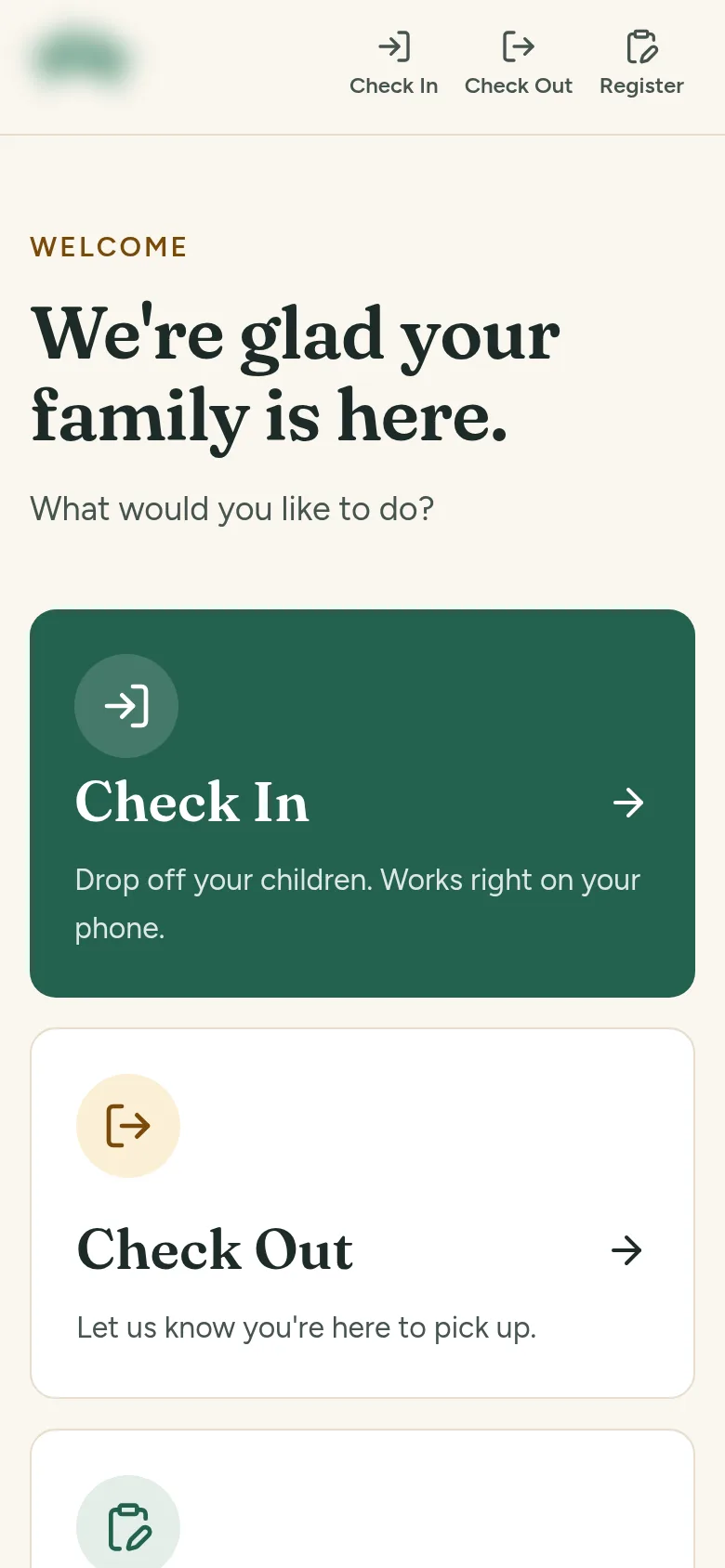
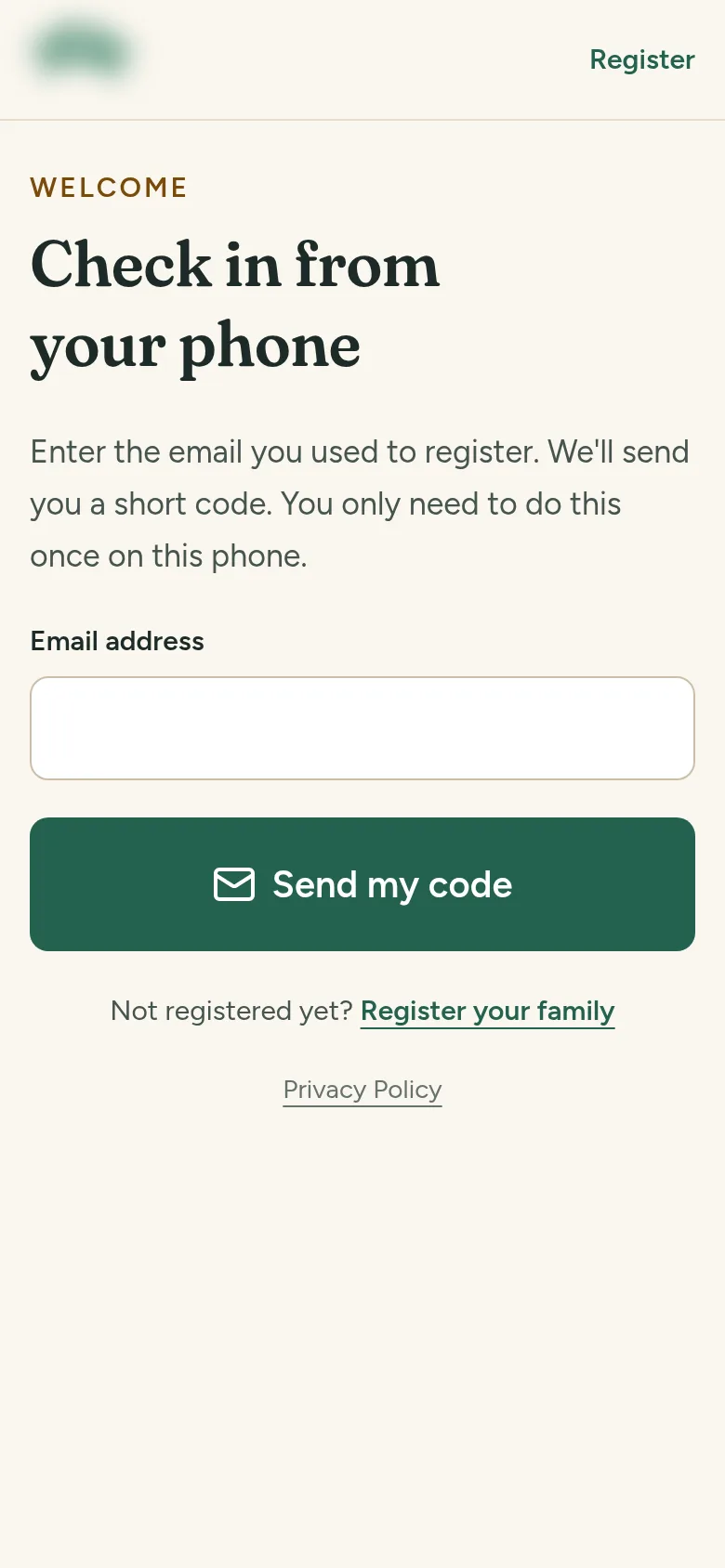
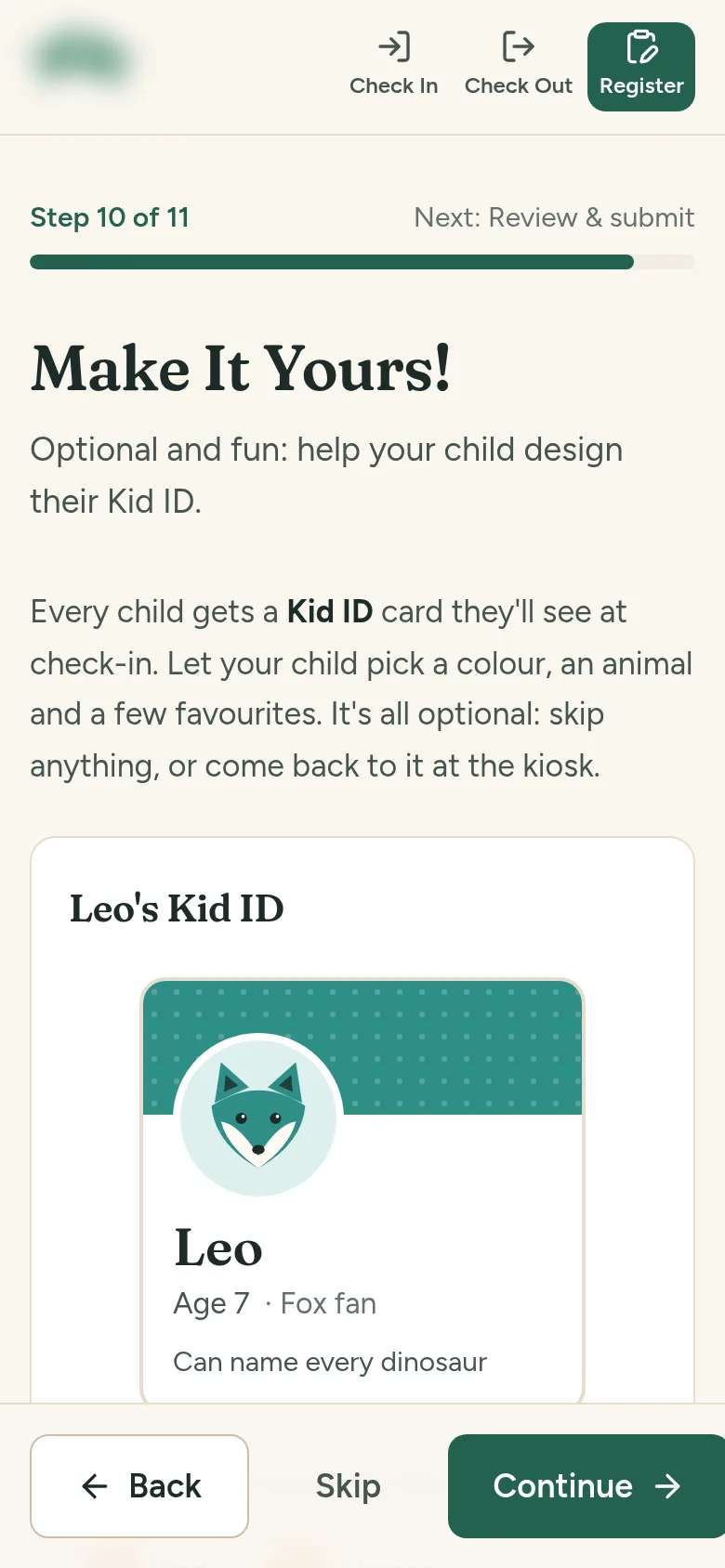
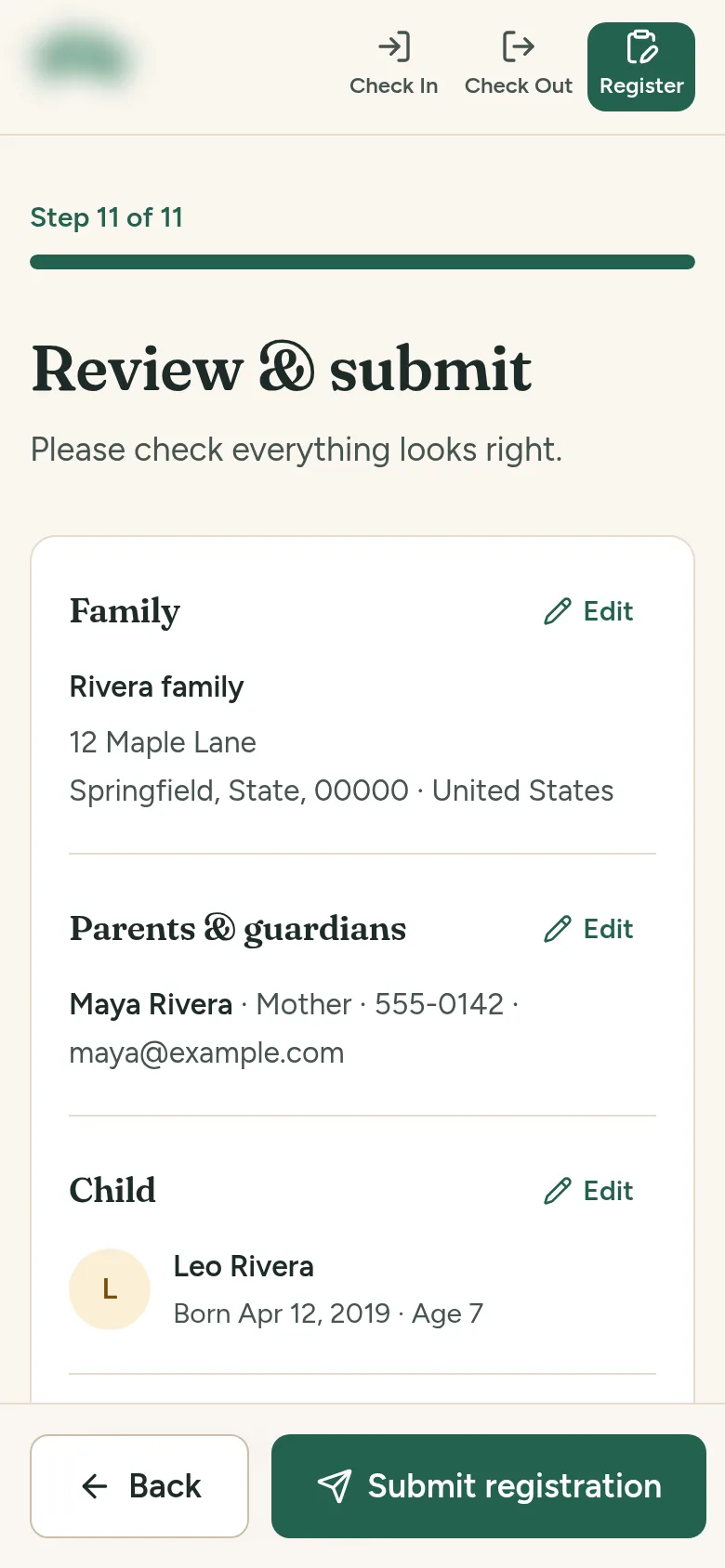
An 11-step registration form that parents reach from a QR code; a kiosk flow that finds a family by last name or phone number and checks in several children at once; phone check-in with a one-time emailed code, where the parent taps “I'm here to pick up” and a volunteer confirms the handover; a family pass QR for a faster start; Kid ID cards that children design with a colour, an animal and a few favourites; and an admin area with a dashboard, attendance, CSV exports and a demo mode for training volunteers without touching real records.
Screens
Want a web application like this?
Tell me what you have in mind and I'll reply with next steps.